

You can easily migrate your posts and subscribers from Medium to Ghost in just a few clicks, using the Medium migrator in Ghost Admin.Documentation Index
Fetch the complete documentation index at: https://ghost-docs-social-accounts-helper.mintlify.app/llms.txt
Use this file to discover all available pages before exploring further.
Run the migration
The Medium migrator allows you to quickly import content and members from your Medium to your Ghost publication. You can access the migrator tool from the Settings → Advanced → Import/Export area of Ghost Admin.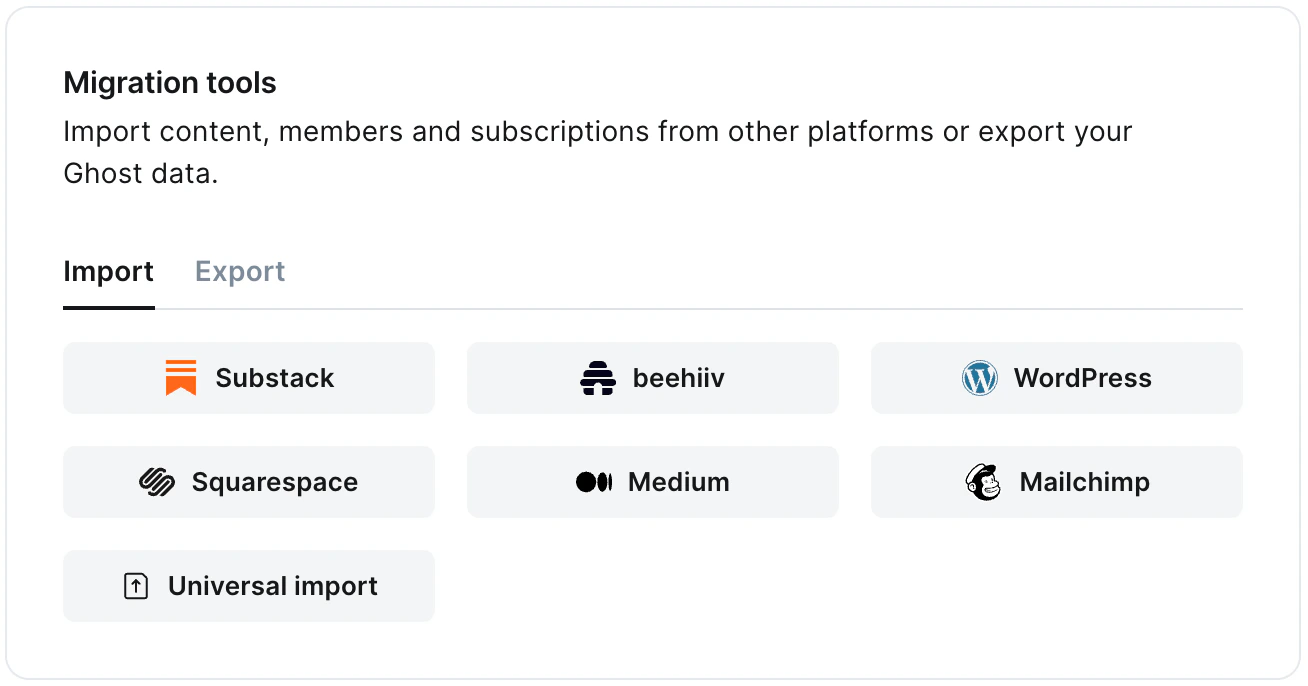
1. Enter your Medium URL
To start the migration process, enter the public URL to your Medium, and click Continue.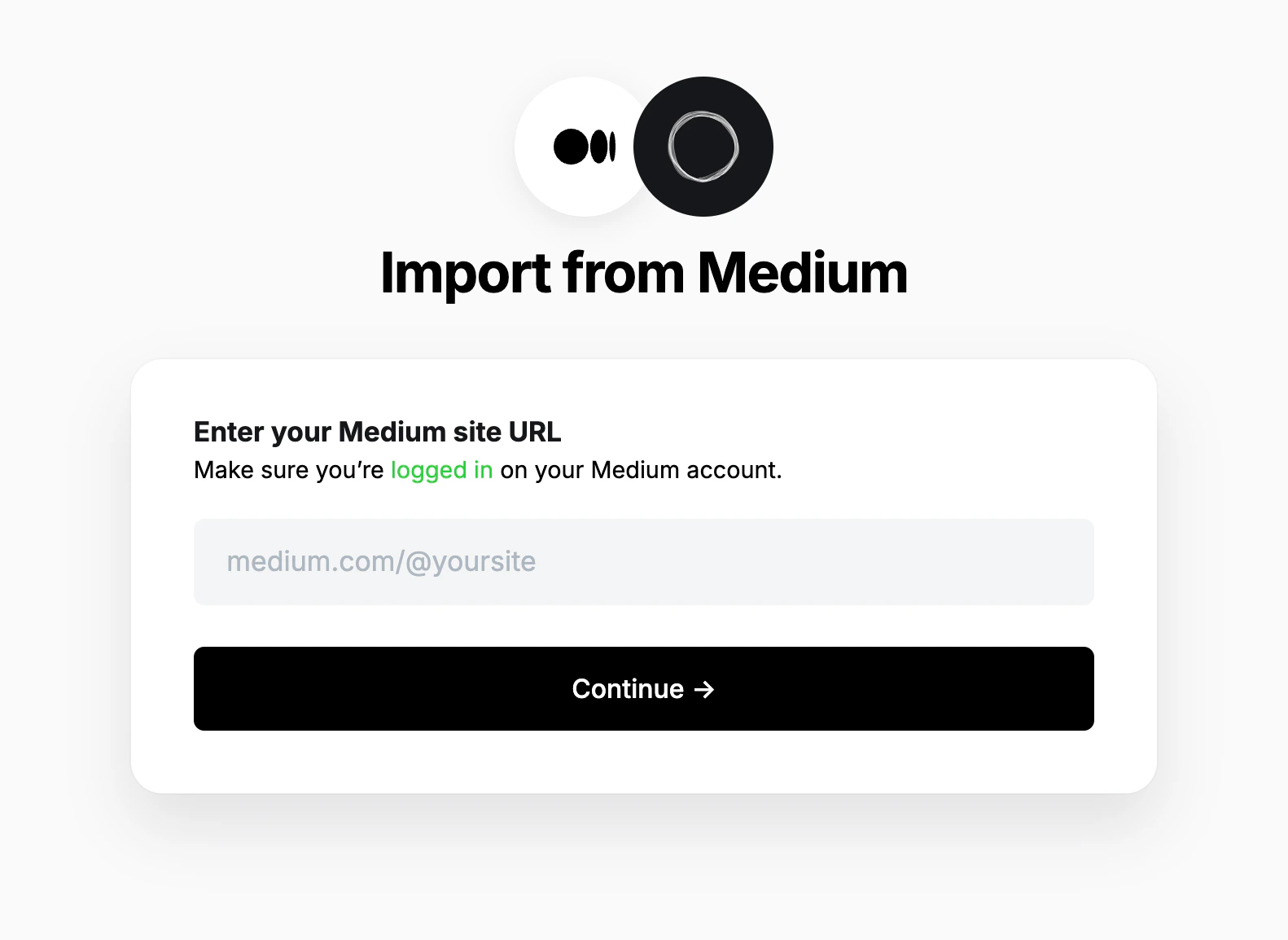
2. Export content
Next, click Open Medium Settings, and click Download your information. A link to download the export will be sent to your email.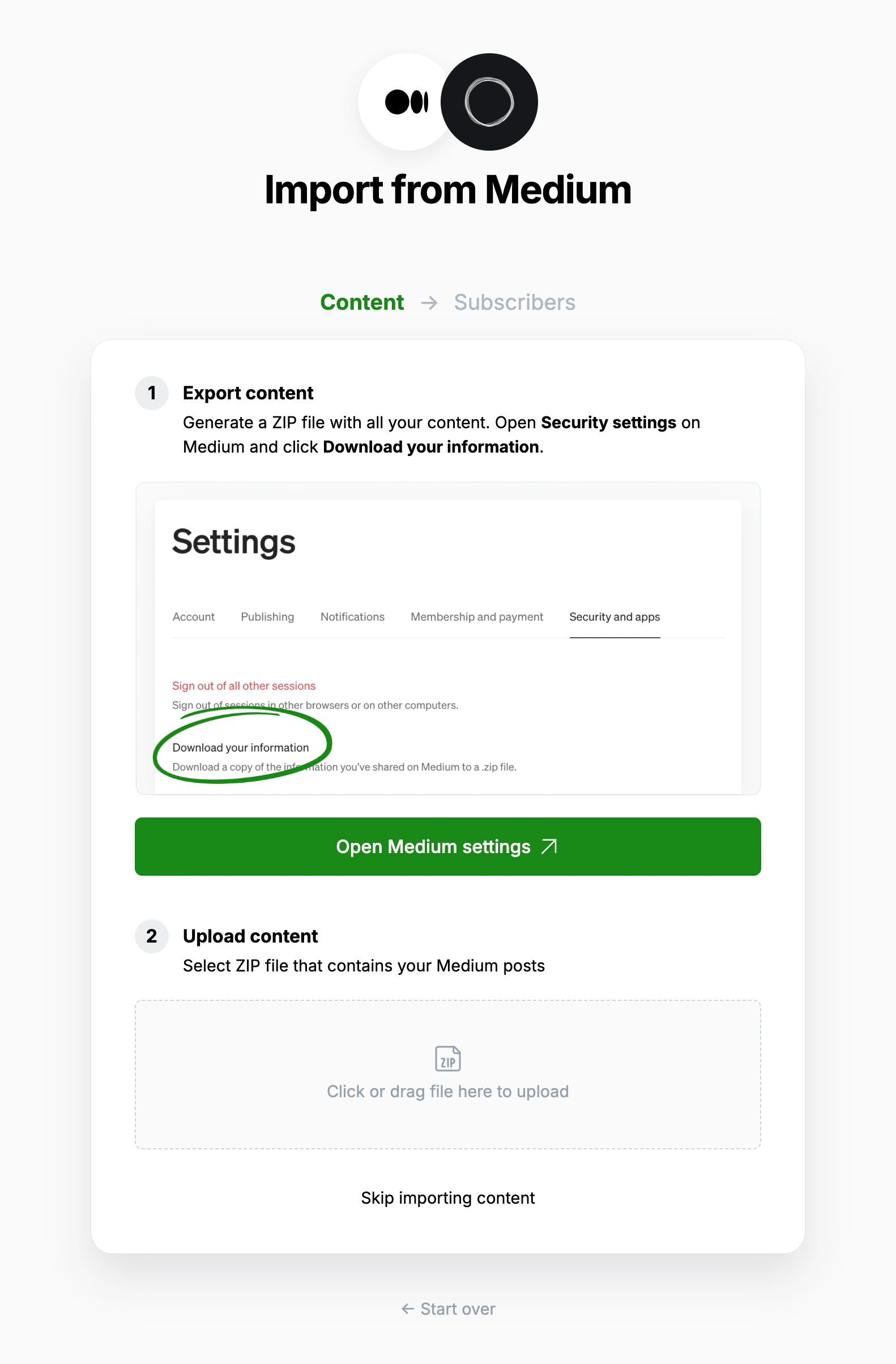
3. Upload content
Once your export has been downloaded, return to the migrator window in Ghost Admin, and select Click or drag file here to upload, and navigate to the zip file you downloaded from Medium, once uploaded click Continue. If you’re unsure of where the file was saved, check your Downloads folder.4. Export subscribers
Next, it’s time to import your Medium subscribers. Click Open Medium Audience stats, and click Export this list. Once downloaded, select Click or drag file here to upload and navigate to the text download, and click Continue.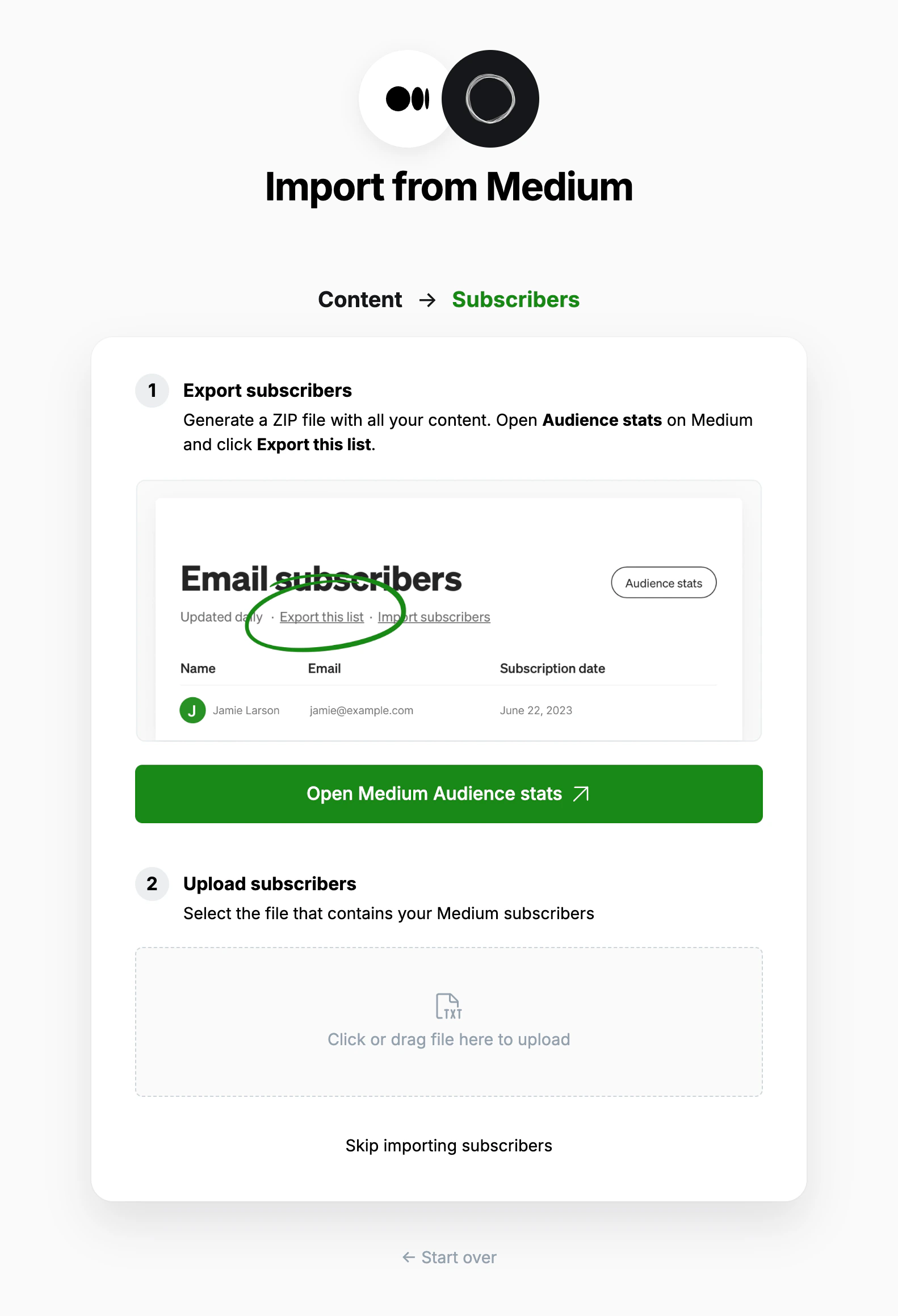
5. Review
Ghost will confirm the number of posts and members that will be imported to your publication. If satisfied, click Import content and subscribers to begin the import of your data.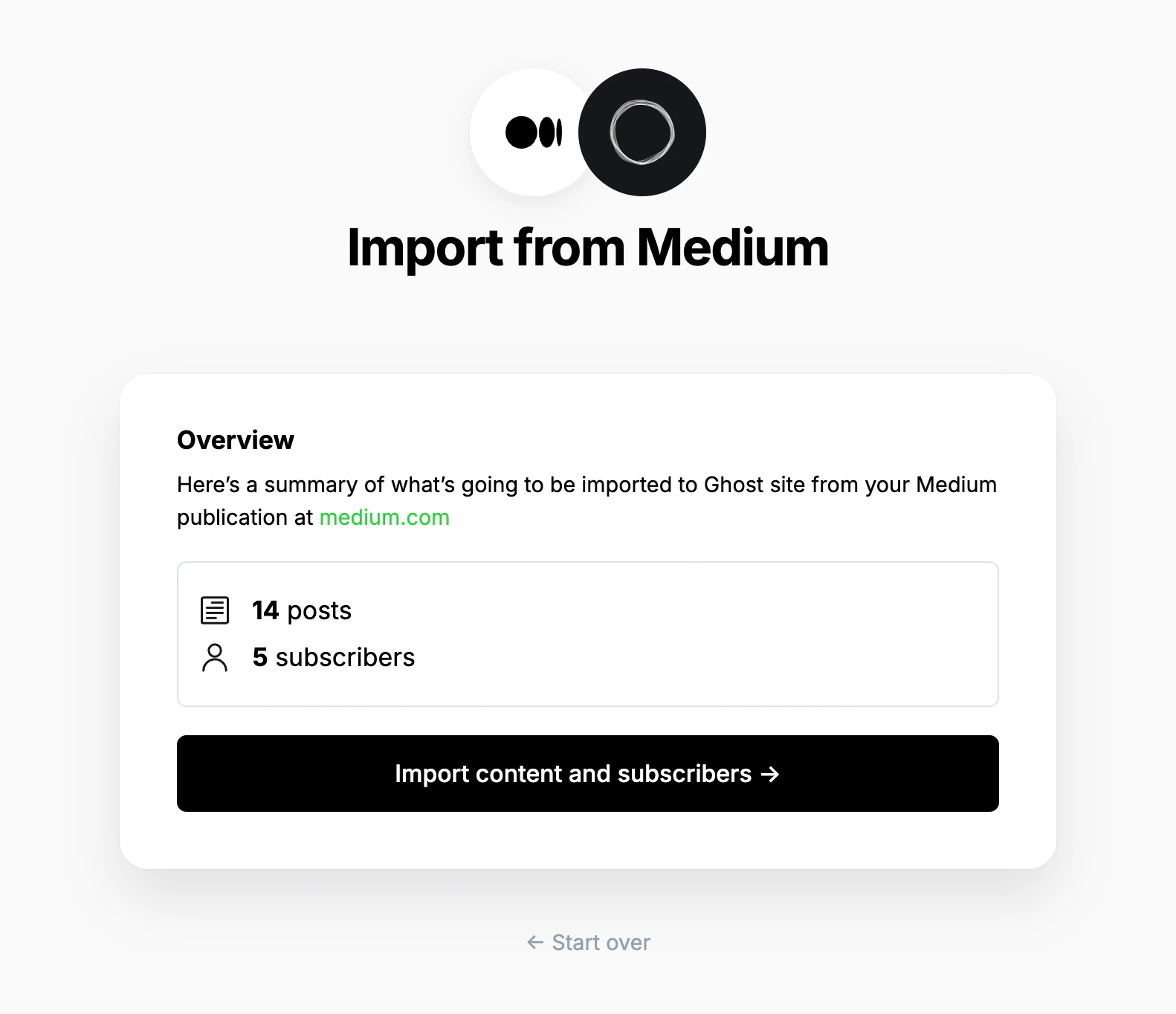
6. Verification and manual checks
The importer will make a post in Ghost for all posts and comments in your Medium export. The importer will try to sort posts and comments, based on the following rules:- If a piece has only one paragraph, treat it as a comment
- If a piece of any length has an image, treat it as a post
- Otherwise, treat the piece as a post
- All pieces that are treated as comments will be saved as drafts
- All posts that were drafts in Medium, will be drafts in Ghost
- All **posts **that were published in Medium will be published in Ghost
#Medium Possible Comment.
Using custom domains
If you’re using a custom domain on Medium, you’ll need to implement redirects in Ghost to prevent broken links. Medium appends a small random ID to each post, which is removed in the migration step above. The regular expression below removes that random ID, but does not affect preview links.https://mysite.com/awesome-post-a1b2c3d4e5f6, they will automatically be redirected to https://mysite.com/awesome-post.
Learn more about Medium redirects here.